The right tools for day one.
OWL works in four areas: community engagement, research recruitment, cross-cultural training and partnerships. Government agencies, researchers and employers come to them to reach Pacific and culturally diverse communities properly.
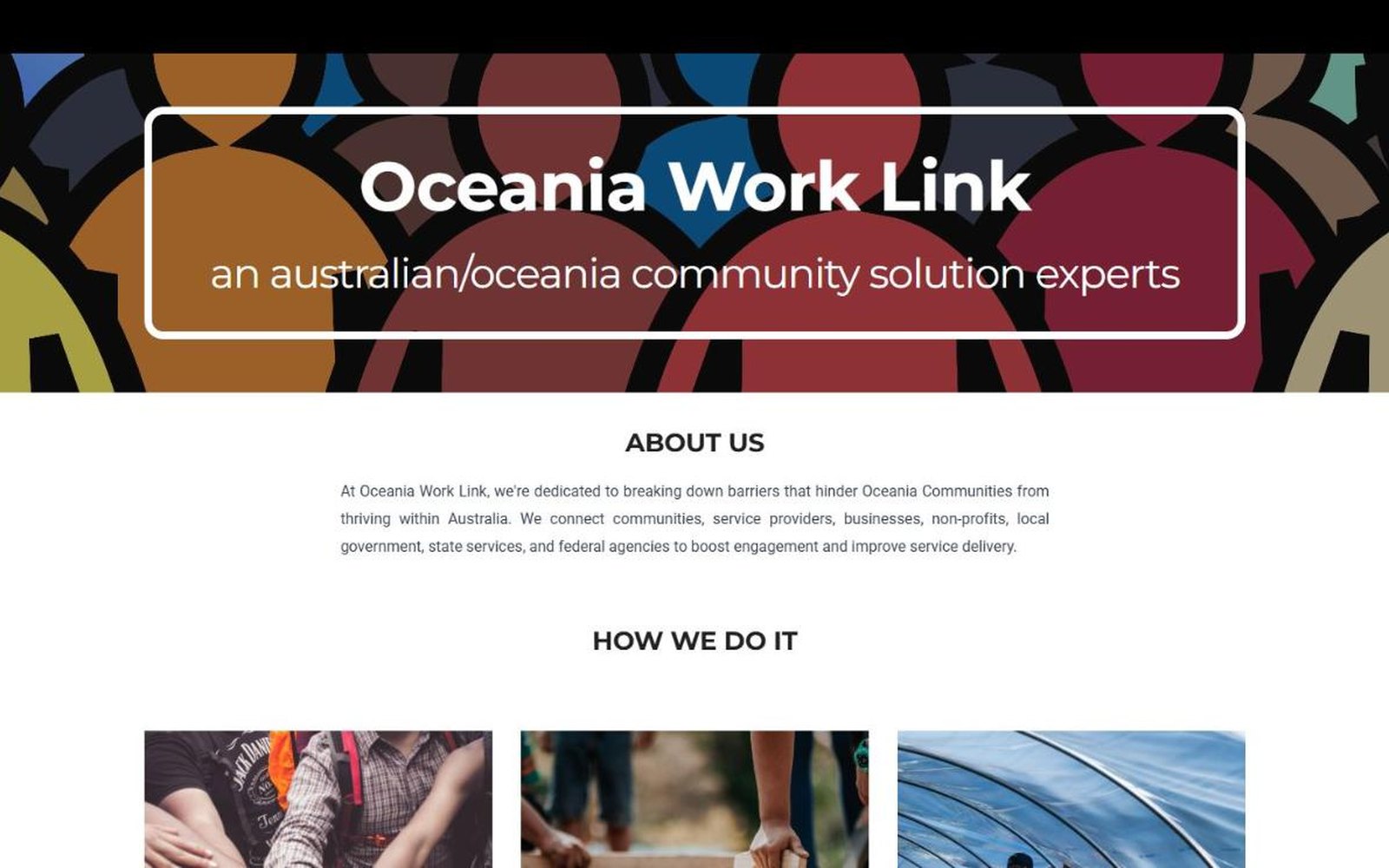
Starting out, they did what most small teams do: ran everything through Google Workspace and set up a simple two-page website. Low cost, quick, and enough to get going.
As the work grew, so did the moving parts. Every program has people, consent, funders, events and reports, and some of the people they support share private details about visas, pay, health and housing.
Their work didn't fit in anyone else's boxes.
We looked at the off-the-shelf options together, including Zoho and Microsoft's tools. Each would have meant reshaping OWL's work to suit the software, then paying for workarounds for the parts that make OWL different. So we built a system around them instead.
Their vision, in one place.
- One place for the whole dayContacts, programs, events, money and meetings, without jumping between tools.
- Built on what they useSigning in with Google, email through Gmail, meetings in Calendar, files in Drive.
- Care with people's detailsPrivate matters kept private, with consent recorded and respected.
- Reports funders trustClear numbers on what each program achieved, without naming anyone.
- In community languagesSurveys and mailouts in Pacific languages, checked by a speaker.
- A website with presenceSomething that shows the scale of what they do at a glance.
Shaped around them, step by step.
- Their words, not software words
Organisations, not accounts. Enquiries, not leads. Every screen uses the language OWL already uses with its partners.
- Start from how they already work
Staff meetings follow OWL's own agenda template. Minutes come from a recording's transcript, so no bot has to join the call.
- Privacy decided up front
Together we agreed the AI assistant can't read private cases, funder reports show numbers but never names, and a translated mailout can't go out until a speaker has checked it.
- Check every page, then improve it
After each part was built, we went through it page by page, wrote down what was missing, and fixed the biggest gaps before moving on.
- Measured against their own plan
When OWL shared their concept paper, we checked the build against it. Parts they didn't need yet were switched off, not deleted. Research studies, training courses and payments to community advisors were added, and everything was renamed to match their four services.
- Agree what can wait
Text messaging, online membership payments and extra sign-in options were left for later, so the team could start with what they'd use every day.
A CRM that fits, and a website that shows it.
The whole day on one screen
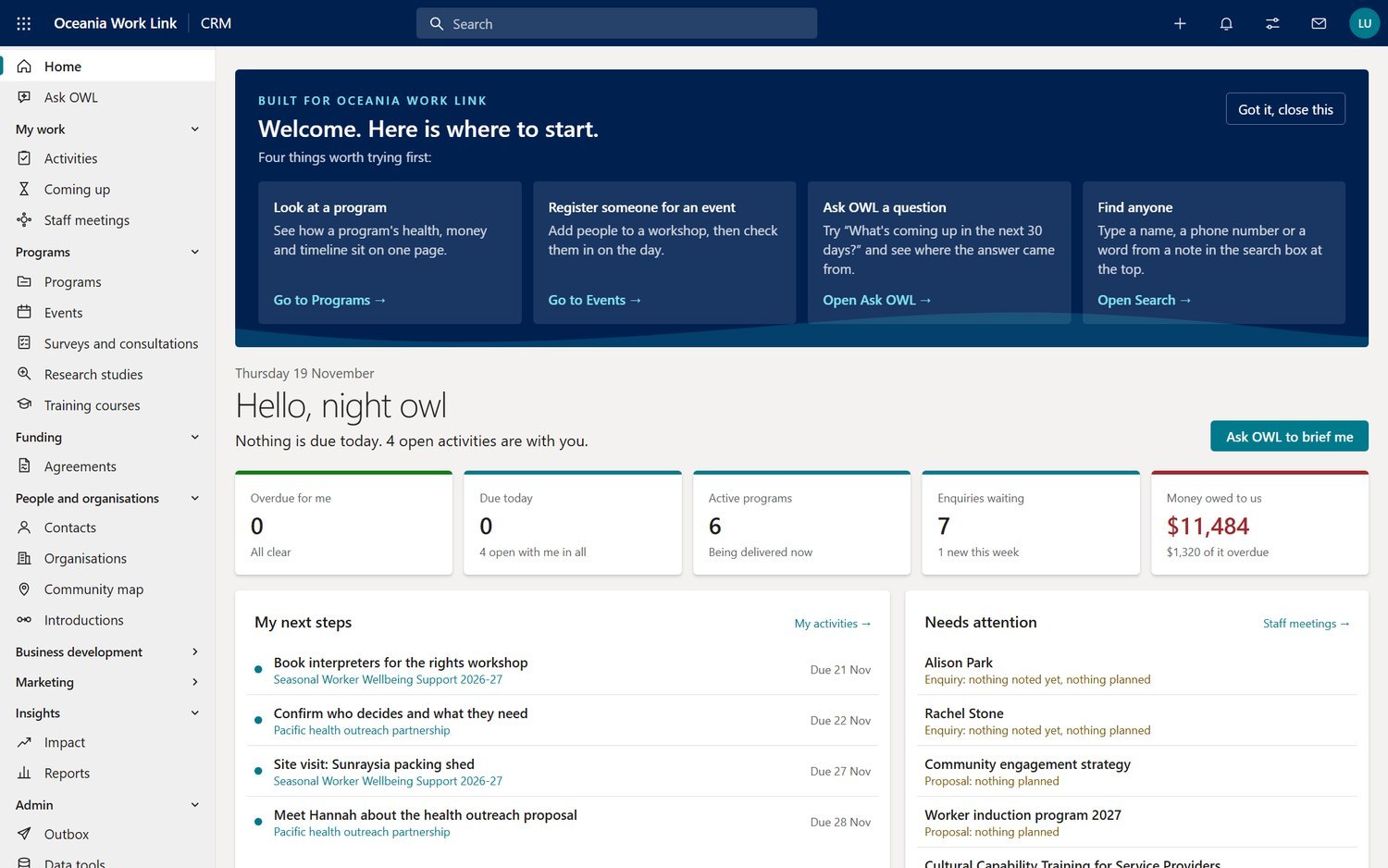
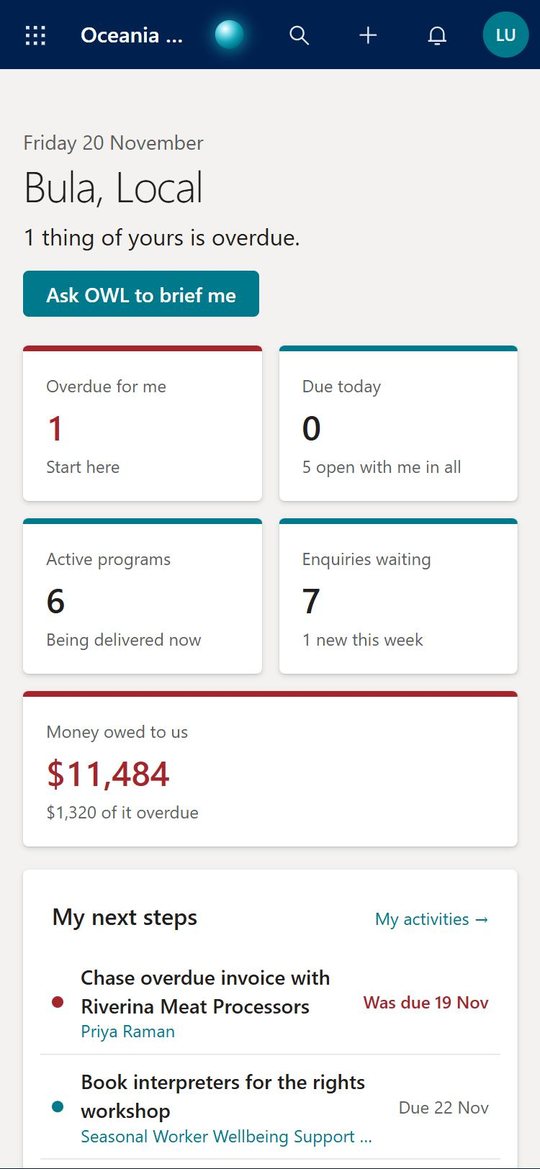
What's overdue, what's due today, active programs, enquiries waiting and money owed, with next steps underneath. On a laptop or a phone.
Why: a team of three can't afford to lose time hunting across tools.
Support cases, handled with care
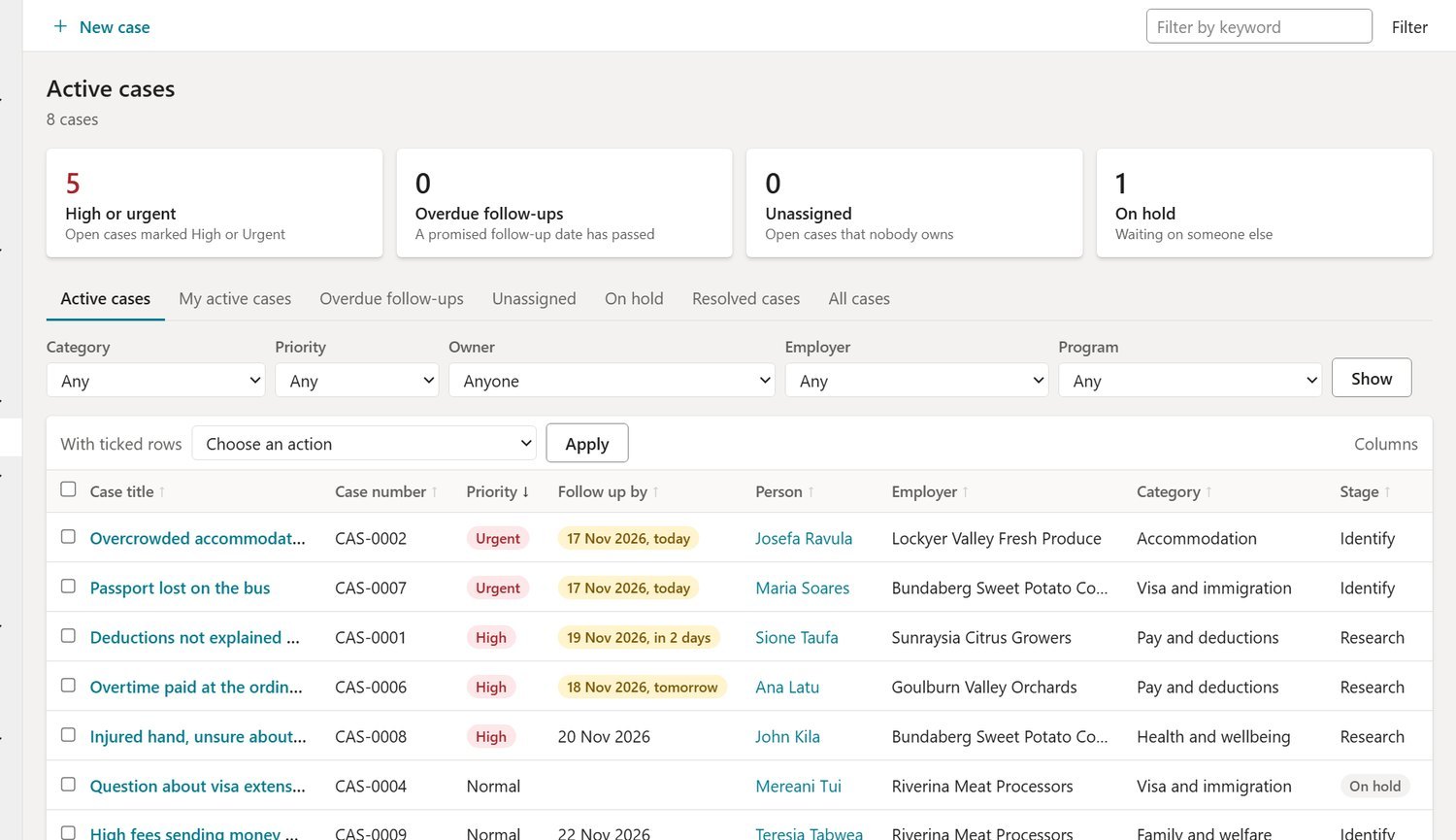
When someone needs help with pay, housing or a visa, it's logged as a case with its priority and follow-up date. A clear banner shows when a person hasn't agreed to their employer being contacted.
Why: trust is the whole job. The system should protect it, not test it.
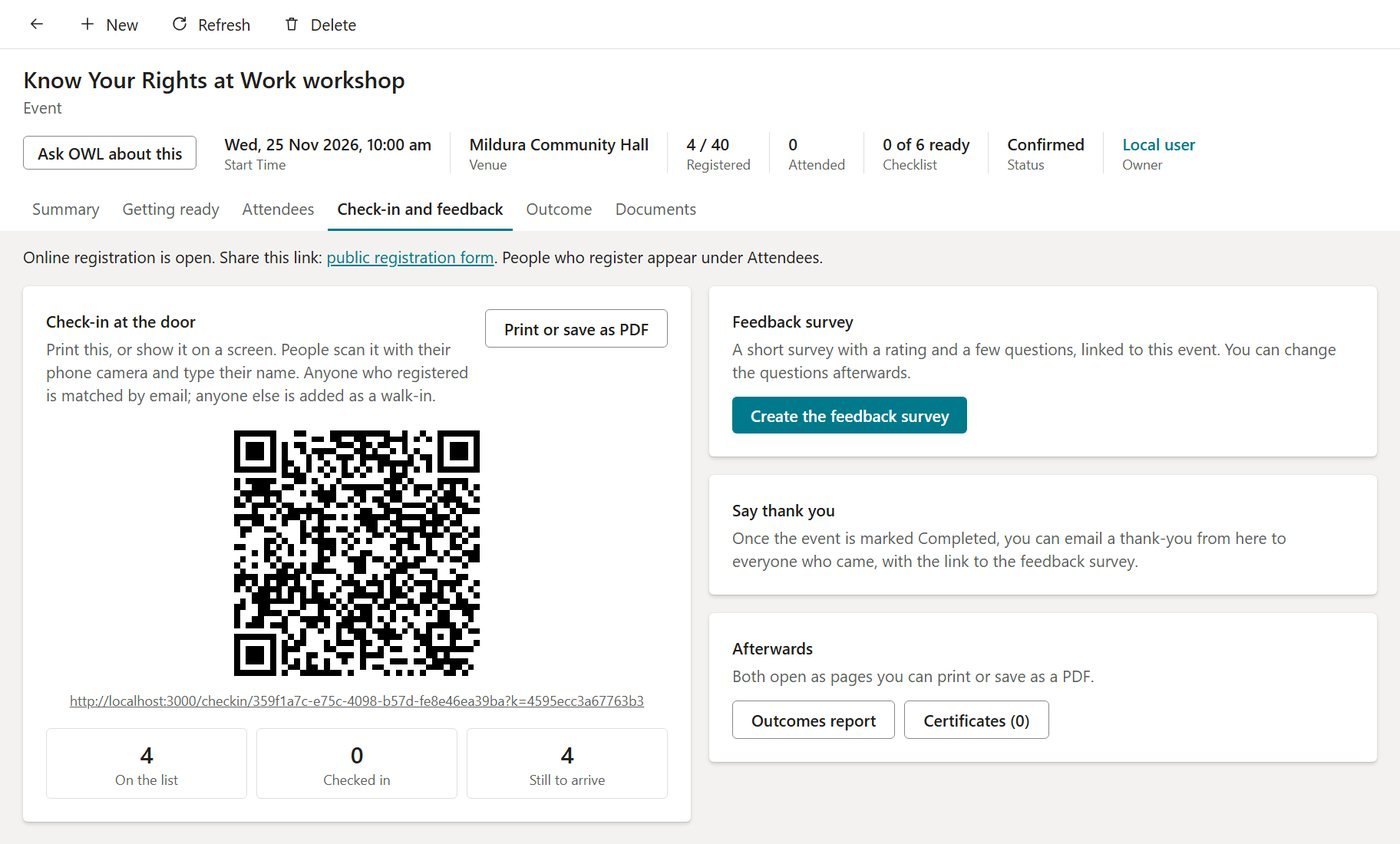
Events, from sign-up to certificate
Public registration and waitlists, QR check-in on the day, surveys afterwards, and certificates for people who attended.
Why: workshops are where OWL meets community. The admin around them shouldn't get in the way.
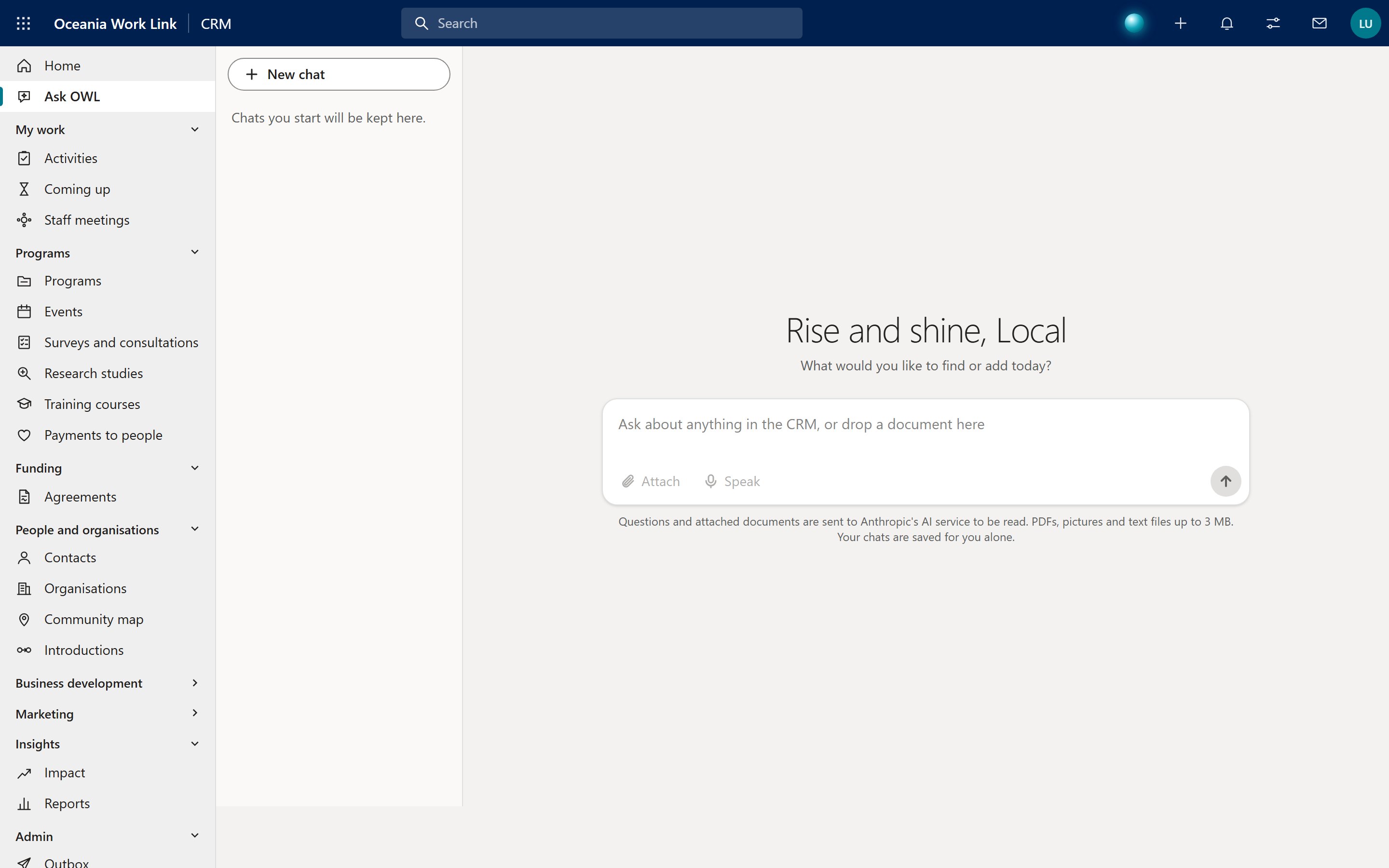
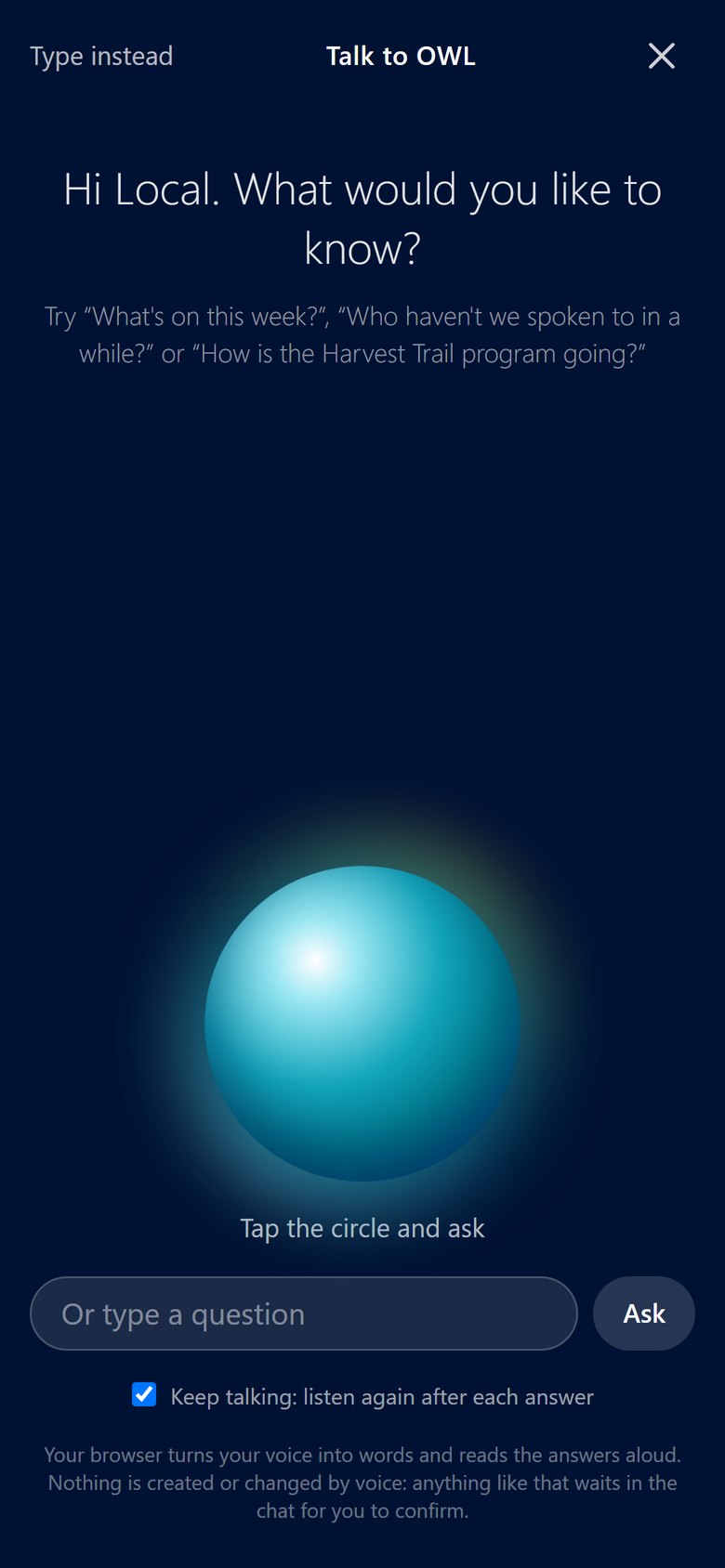
Ask OWL, by typing or talking
Ask in plain words, like "what's coming up in the next 30 days?", and get an answer from OWL's own records, with where it came from. It can brief the team each morning, and it's blocked from reading private cases.
Why: the answers were already in the system. Now anyone can get them in a sentence.
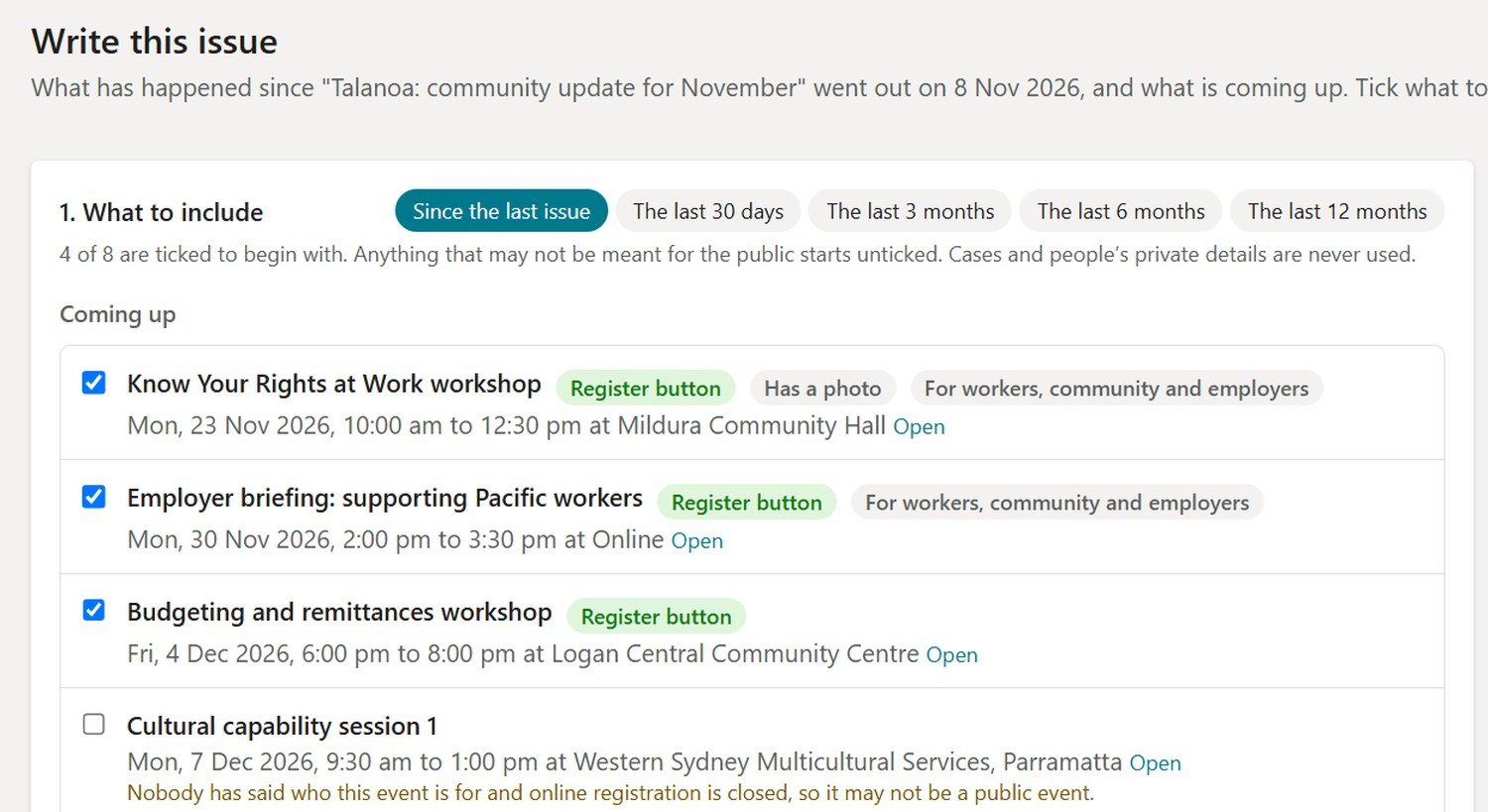
Mailouts that draft themselves
The newsletter is written from what's actually happened: recent events, upcoming workshops, results. Each audience gets its own version, and the team edits and sends.
Why: the most useful update is the one that actually goes out.
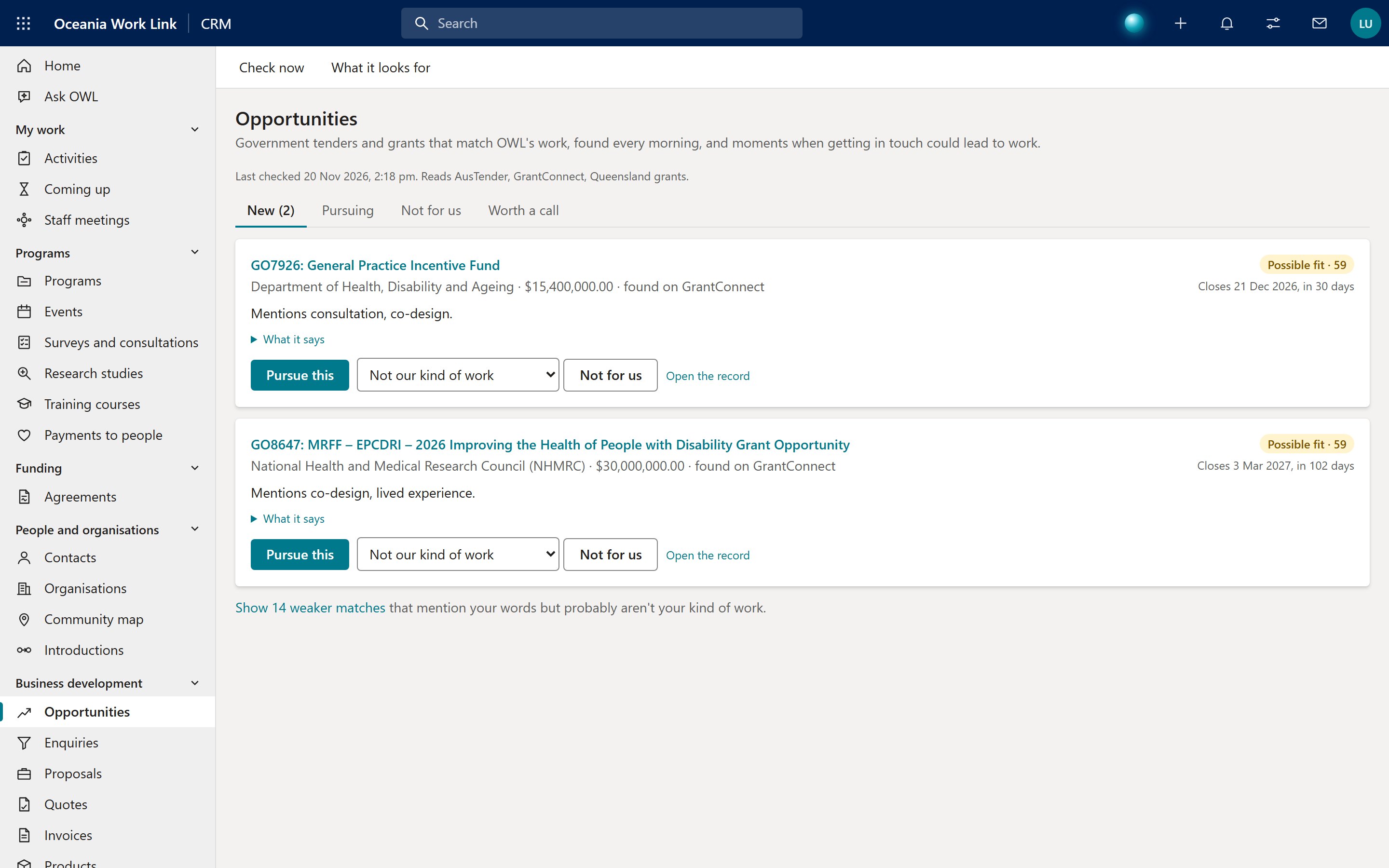
New tenders and grants, every morning
Opportunity watch checks the government tender and grant listings each day and scores how well each one fits OWL's work, ready to turn into a proposal.
Why: the right opportunity is easy to miss when you're busy delivering the last one.
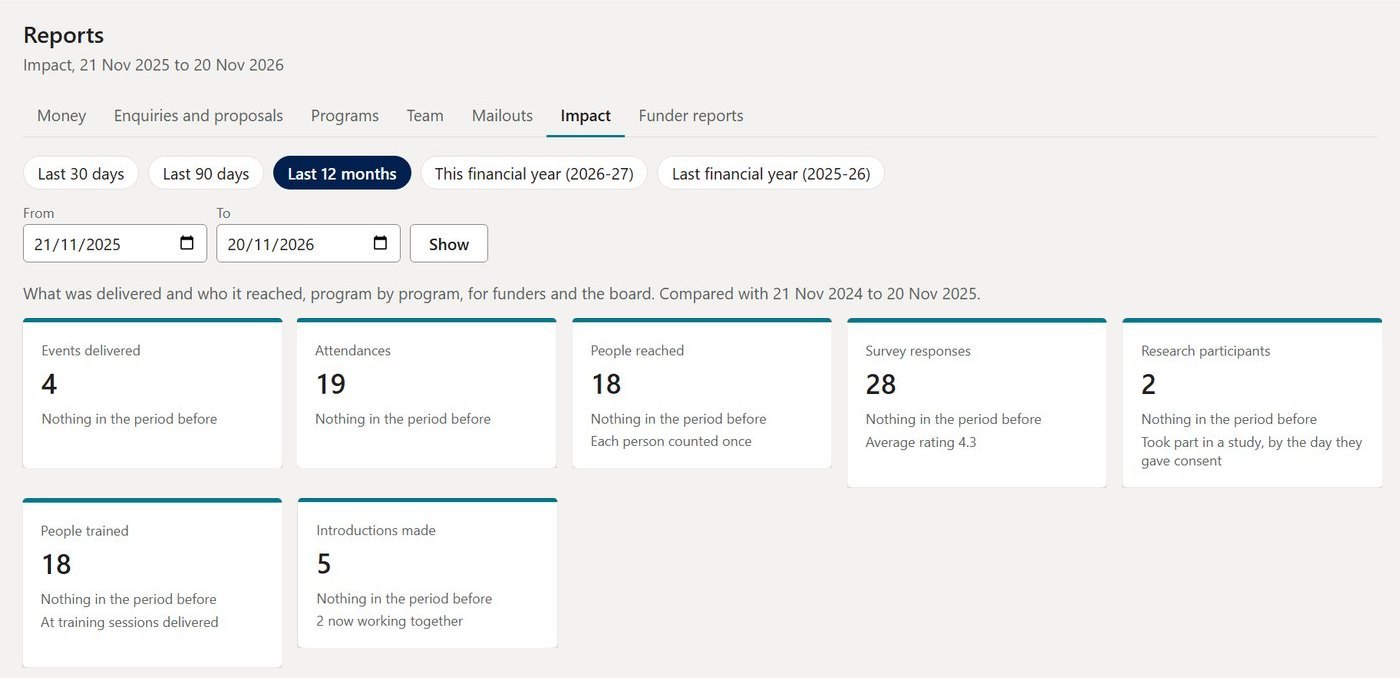
Impact, counted as it happens
People reached, sessions run and outcomes recorded, ready for funder reports that show the numbers without naming anyone.
Why: good work deserves evidence, and funders ask for it.
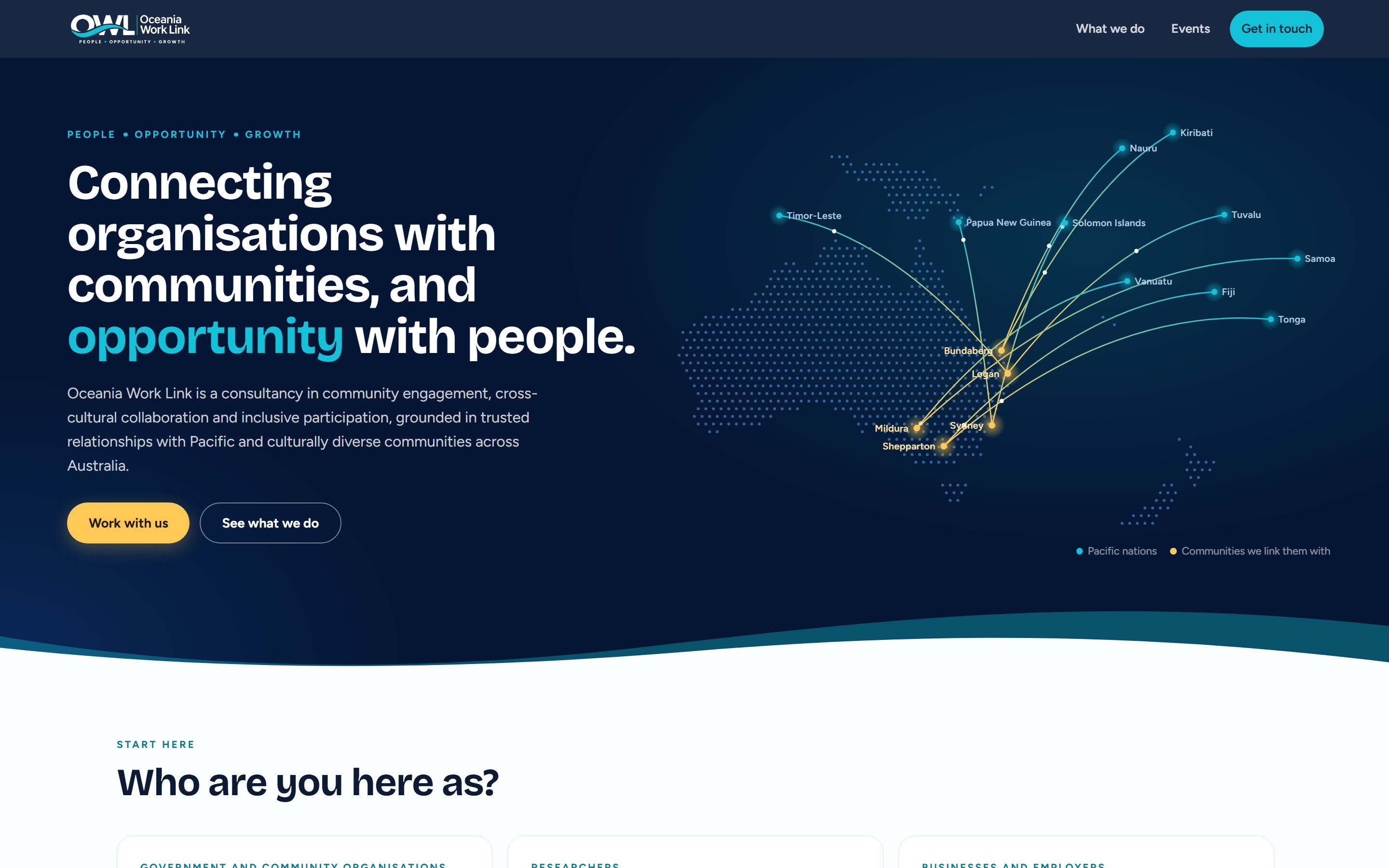
A website that runs from the same system
A live map draws the links between Pacific nations and the communities OWL works with. Events added in the CRM appear on the site, and enquiries from the site land straight back in the CRM.
Why: one system means the website is never out of date.
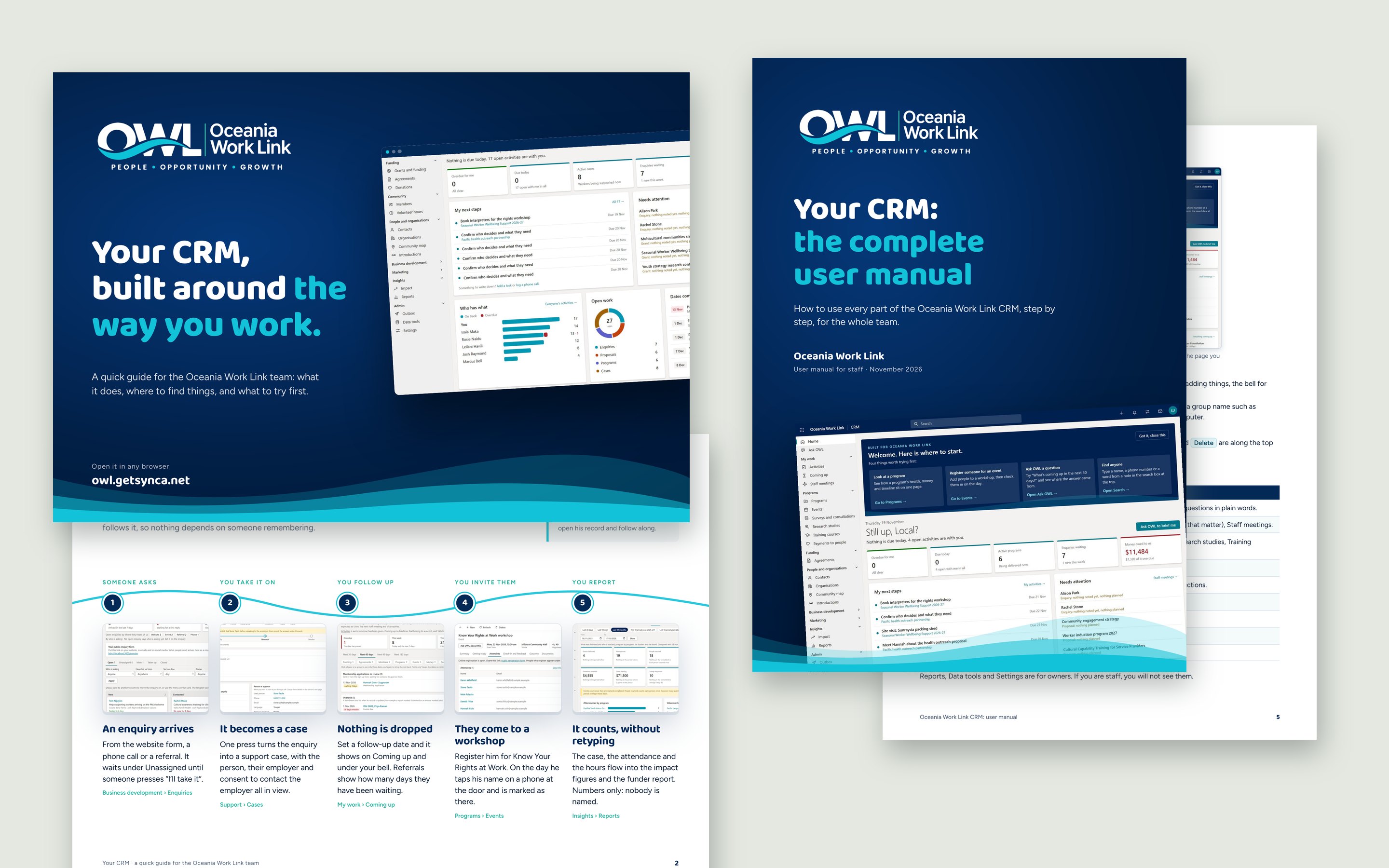
A staff guide and a full manual
A short guide that follows one made-up worker from enquiry to report, so the team sees how it all fits together. Then a complete user manual, step by step, for every part of the CRM, with pictures from a practice copy.
Why: a new system only works if the whole team is confident using it.
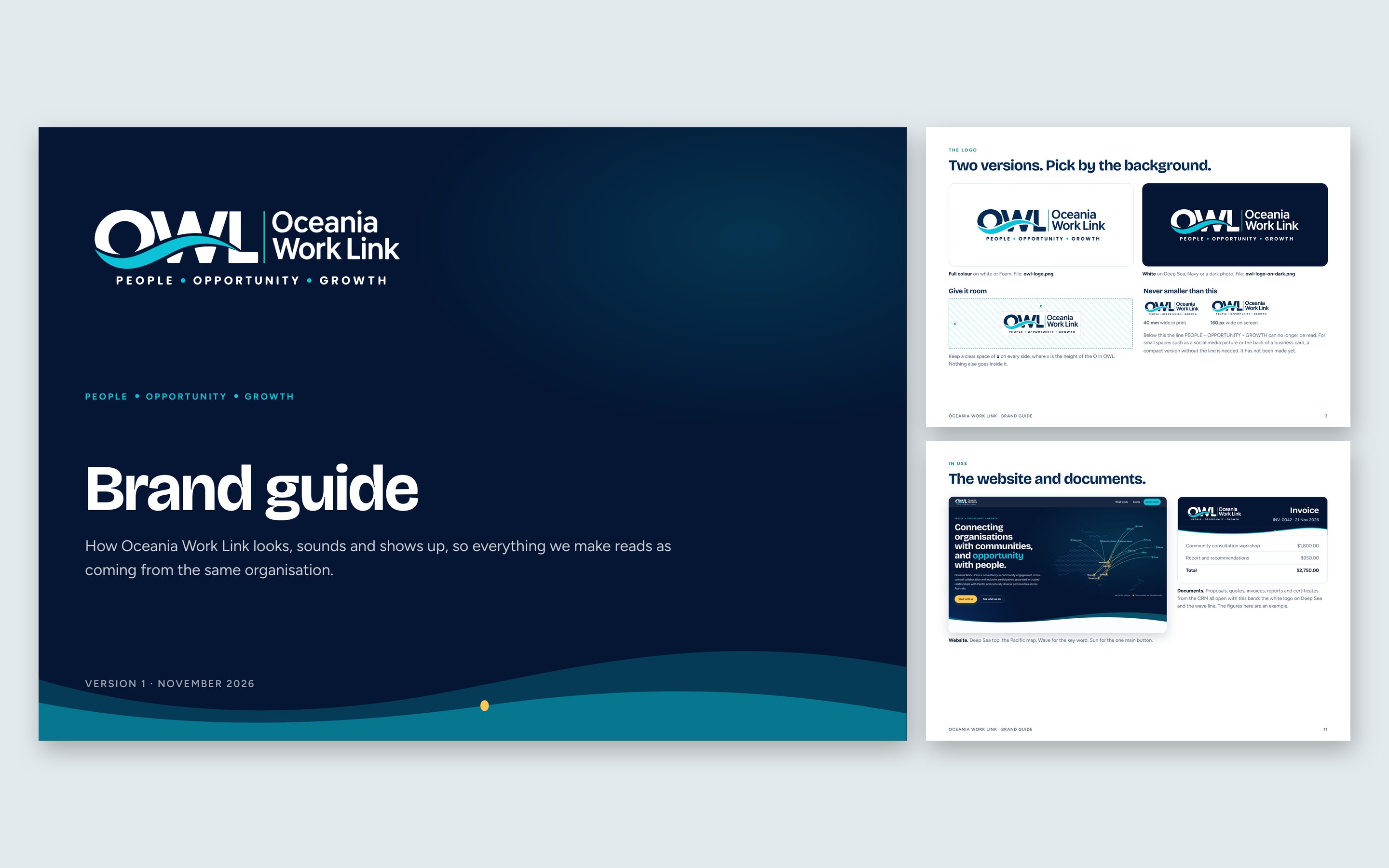
A brand guide built from their logo
The wave in OWL's logo became the idea behind the whole look: the link between people. The guide sets out the two logo versions, colours taken from the logo, two free typefaces, a small set of shapes, how to photograph real work, and how OWL sounds: plain, warm and respectful.
Why: the website, the CRM, invoices and business cards now all read as one organisation.
In the team's hands.
If this sounds like your organisation.
Most growing teams reach this point.